Hardware Compatibility
Works with industry-standard POS hardware from leading brands you already own
✓ No credit card required • ✓ Setup in 10 minutes
What is Hardware Compatibility?
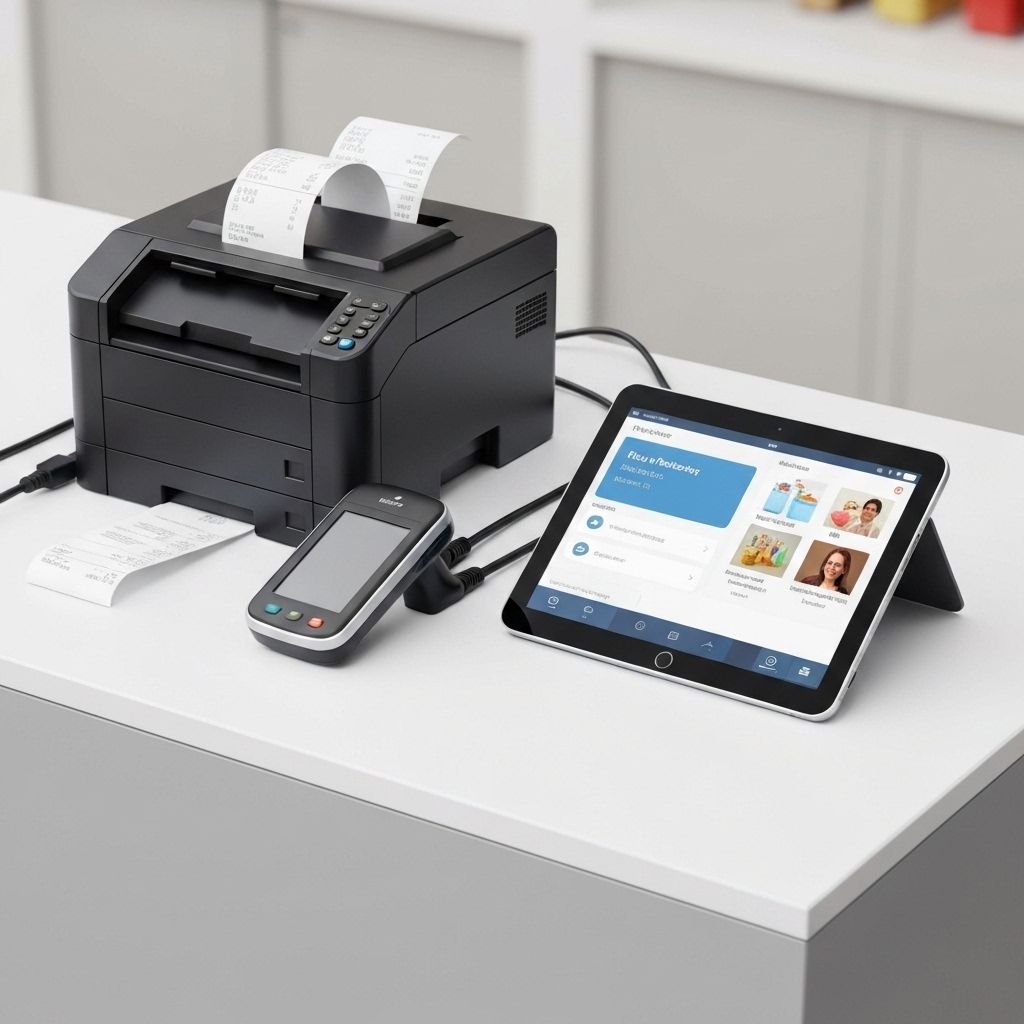
Zentiya works seamlessly with industry-standard POS hardware from leading manufacturers. Use your existing receipt printers, barcode scanners, cash drawers, and card readers—no need to replace equipment. We support both USB and Bluetooth connectivity, making setup quick and hassle-free. No vendor lock-in, no proprietary hardware required.
Plug-and-play compatibility means you can use hardware you already own or purchase from any retailer. Connect thermal receipt printers via USB or Bluetooth, pair wireless barcode scanners, integrate cash drawers, and accept payments with standard card readers. Our software automatically detects devices, configures settings, and starts working immediately.
Compatible with popular brands including Star Micronics, Epson, Zebra, Honeywell, Square, Stripe, and more. Both mobile app (iOS/Android) and web version support hardware integration. Use tablets with Bluetooth accessories or desktop computers with USB peripherals. Purchase hardware from your preferred supplier—we focus on great software that works with what you have.
Compatible Hardware Types
Zentiya software works with standard POS hardware from major brands
Receipt Printers
80mm thermal receipt printers. Compatible with Star Micronics, Epson, Bixolon, and other ESC/POS standard printers. USB and Bluetooth.
Barcode Scanners
1D and 2D barcode scanners. Works with Zebra, Honeywell, Datalogic, and standard USB/Bluetooth HID scanners. Handheld and presentation.
Cash Drawers
RJ11/RJ12 cash drawers that connect via printer or direct USB. APG, Star, MMF, and other standard cash drawers supported.
Card Readers
EMV chip and contactless card readers. Compatible with Square Reader, Stripe Terminal, and standard payment terminals. MSR and NFC.
Tablets & Computers
iPad (iOS 14+), Android tablets (10+), Windows PCs, and Mac computers. Use any device you already own or prefer.
Label Printers
Thermal label printers for price tags and barcodes. Zebra ZD410, Brother QL series, and other standard label printers.
Weighing Scales
USB digital scales for products sold by weight. Standard scales with RS-232 or USB connectivity work seamlessly.
Customer Displays
USB pole displays and secondary screens. Show transaction details to customers on external displays.
Kitchen Printers
Impact and thermal kitchen printers for restaurants. Epson TM-U220 and similar models. Auto-print order tickets.
Network Printers
Network-connected printers via WiFi or Ethernet. Share printers across multiple POS terminals in your store.
Customer-Facing Displays
Dual-screen setups with customer-facing display. Show cart items, prices, and promotional content during checkout.
USB & Bluetooth
Flexible connectivity options. USB for wired reliability, Bluetooth for wireless freedom. Mix and match as needed.
How Hardware Setup Works
Connect Your Hardware
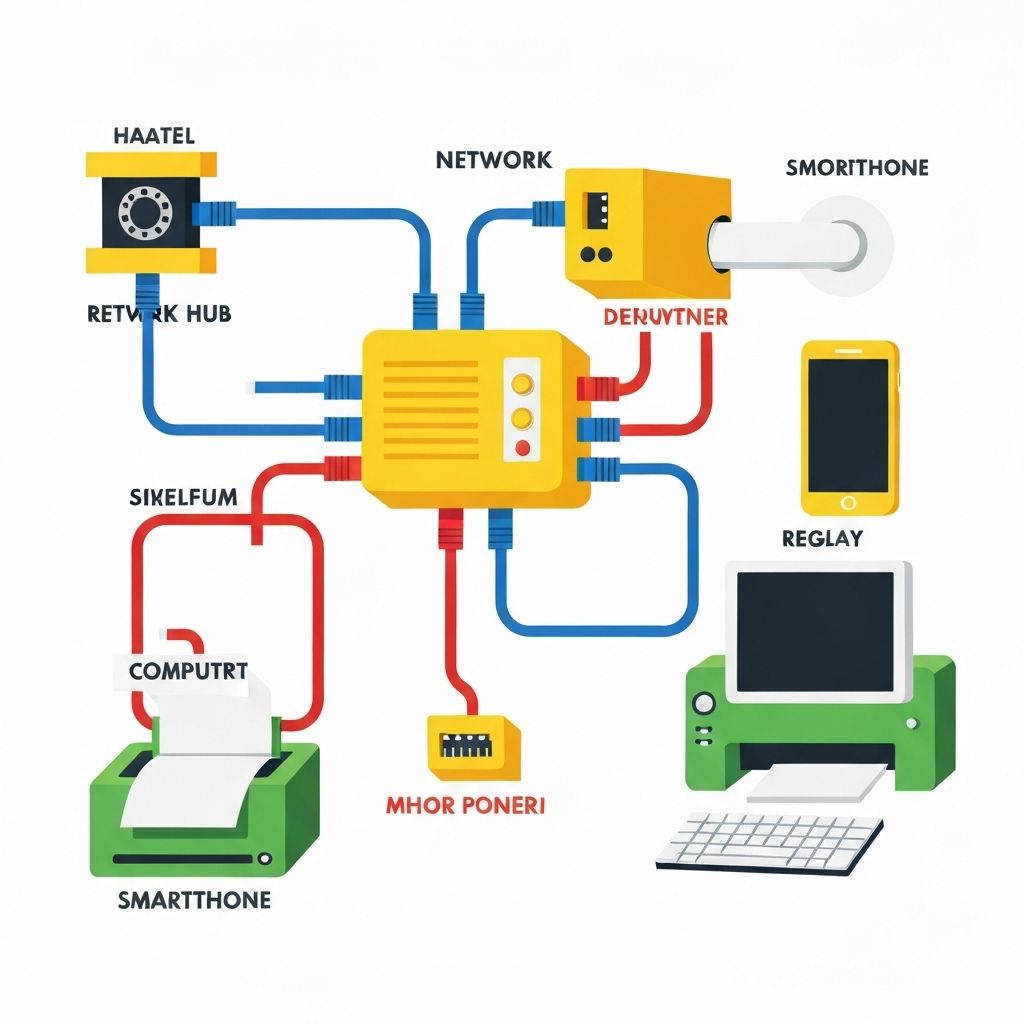
Plug in USB devices or pair Bluetooth accessories to your tablet or computer. Standard connectivity—works like any other device connection.
Automatic Detection
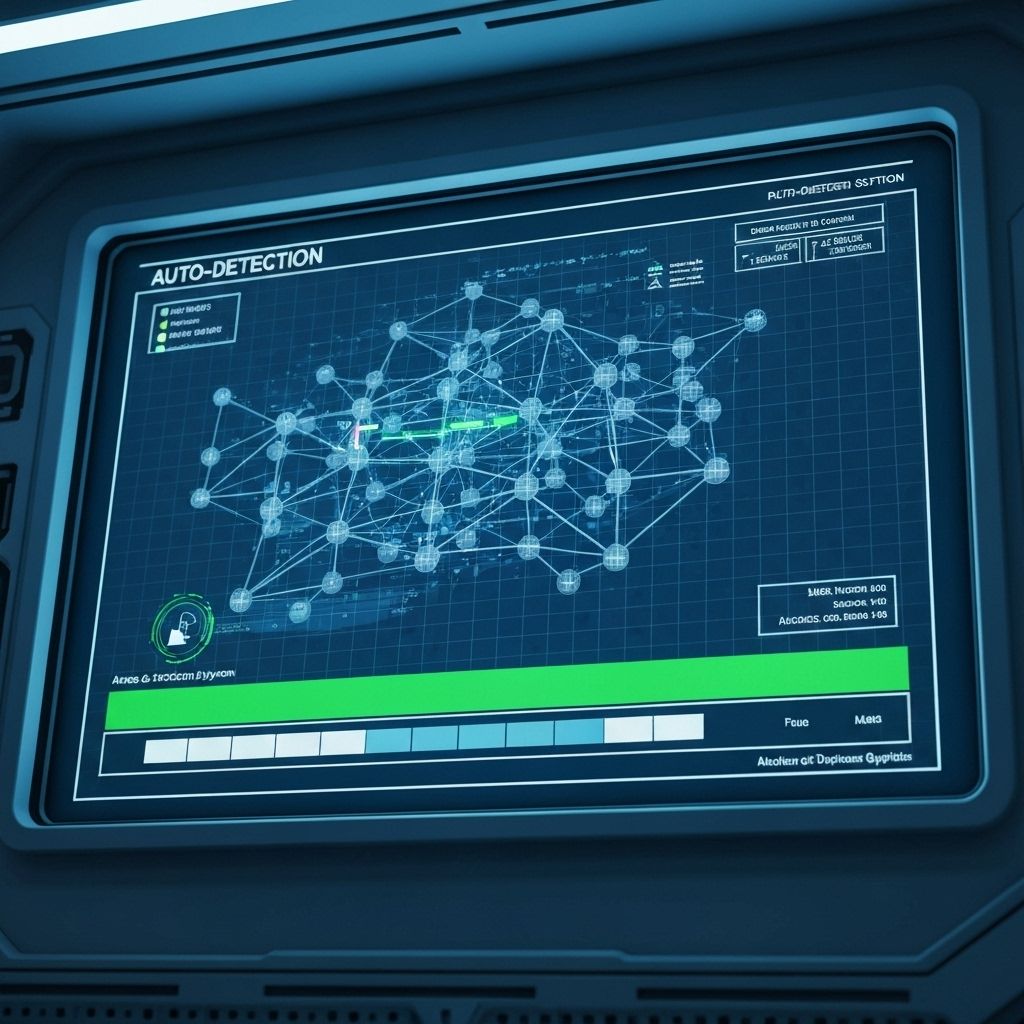
Zentiya automatically detects connected hardware. Receipt printers, scanners, and cash drawers identified and configured without manual setup.
Test & Configure
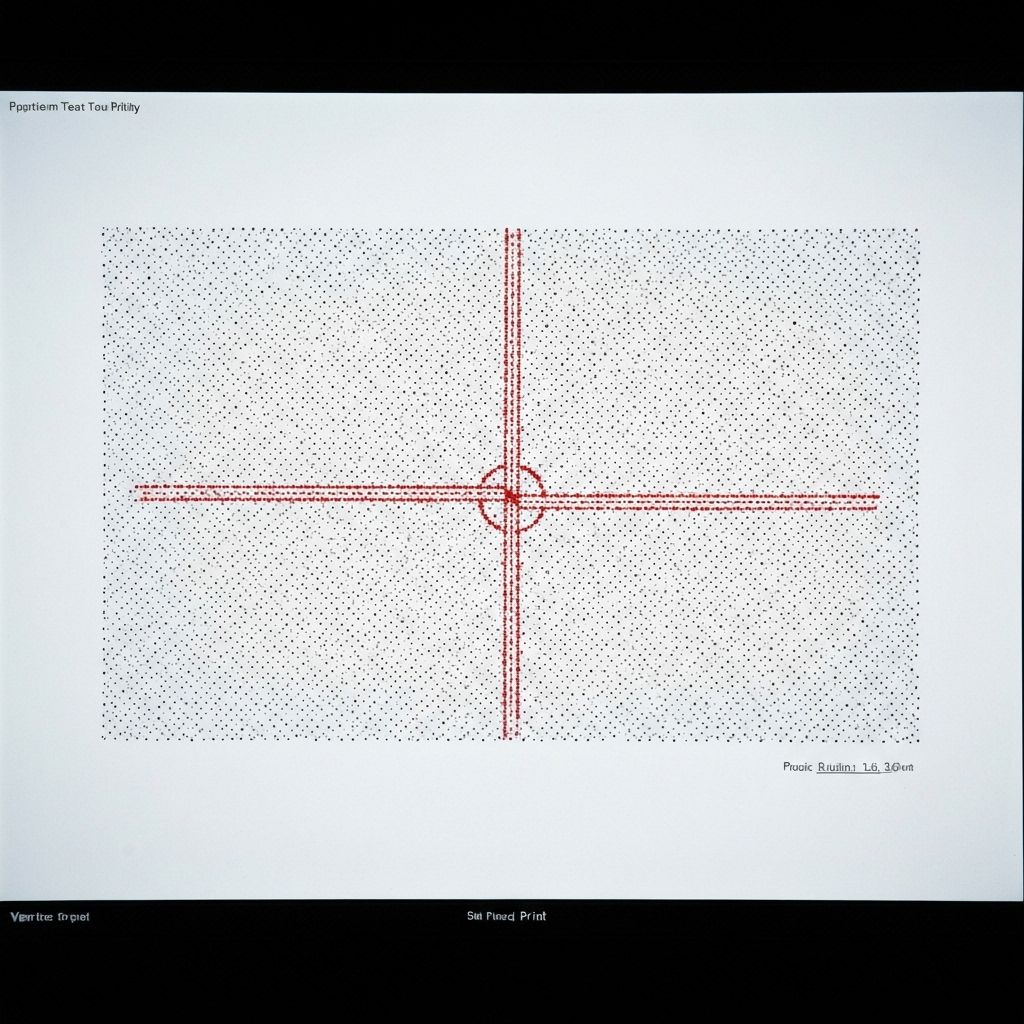
Print test receipt to verify printer, scan test barcode, and open cash drawer to confirm everything works. Adjust settings if needed.
Start Using
Hardware ready to use immediately. Print receipts, scan products, open cash drawer, and process payments with your existing equipment.
Perfect For
Works with hardware from any supplier or existing equipment
Switching from Another POS
Keep using your existing hardware when migrating to Zentiya. No need to replace printers, scanners, or other equipment. Smooth transition.
New Store Setup
Purchase hardware from your preferred supplier—local stores, Amazon, or wholesale. Any standard equipment works with Zentiya.
Start Simple, Add Later
Begin with just a tablet (camera barcode scanning). Add receipt printer, scanner, and cash drawer as your business grows.
Multi-Store Chains
Each location can use different hardware brands based on preference or availability. Zentiya software works with all standard equipment.
Budget-Conscious Retailers
Buy affordable hardware from any supplier. No premium pricing for 'certified' or 'approved' equipment. Use what fits your budget.
International Operations
Purchase hardware locally in your country. Compatible with equipment available worldwide—no need to import specific brands.
Compatible Brands
Works with industry-standard hardware from leading manufacturers
And many more standard ESC/POS, USB HID, and Bluetooth devices
Common Questions
Technical Compatibility
Detailed technical specifications for hardware compatibility
Receipt Printer Requirements
- ESC/POS command set
- 80mm thermal paper (58mm also supported)
- USB, Bluetooth, or Network connectivity
- Auto-cutter (optional but recommended)
- Compatible: Star TSP series, Epson TM series, Bixolon SRP series
Barcode Scanner Requirements
- USB HID or Bluetooth HID protocol
- 1D (linear) and 2D (QR code) scanning
- Handheld or presentation style
- Keyboard wedge emulation
- Compatible: Zebra DS series, Honeywell Voyager series
Cash Drawer Requirements
- RJ11, RJ12, or USB connection
- 12V or 24V trigger
- 5-bill, 8-coin configuration (standard)
- Lockable with key
- Compatible: APG Vasario, Star mPOP, MMF Advantage
Card Reader Requirements
- EMV chip card support
- NFC/contactless (Apple Pay, Google Pay)
- Bluetooth or USB connectivity
- Secure payment processing
- Compatible: Square Reader, Stripe Terminal, PayPal Here
Use the Hardware You Already Own
Start your 14-day free trial. Test with your existing equipment. No credit card required.
No hardware purchase required • No vendor lock-in • Use any standard equipment