Mobile POS
Full-featured POS on iOS and Android tablets with offline mode and barcode scanning
✓ No credit card required • ✓ Setup in 10 minutes
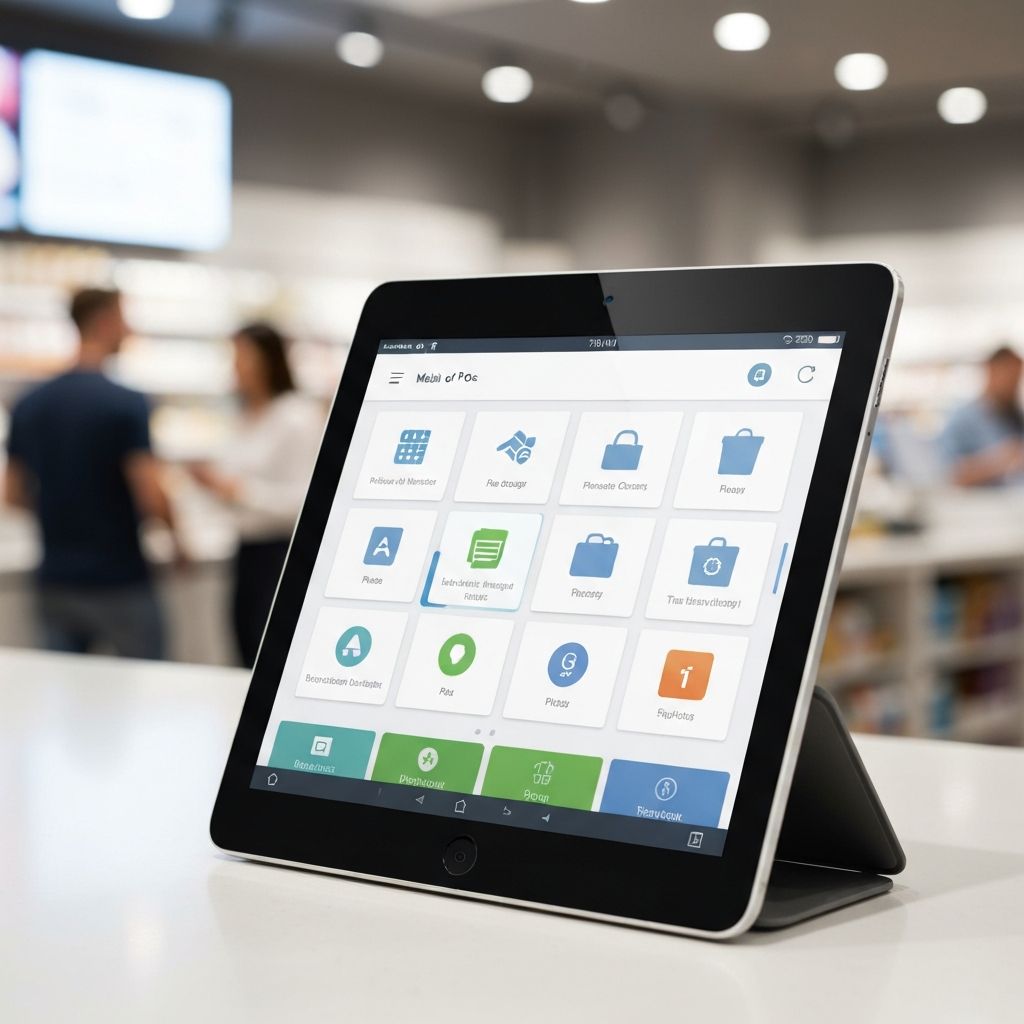
What is Mobile POS?
Zentiya's Mobile POS transforms any iPad or Android tablet into a full-featured point of sale system. No expensive hardware, no complex setup—just download the app and start selling in minutes. Touch-optimized interface designed for speed and ease of use, perfect for retail environments where mobility matters.
Scan barcodes using the device camera, accept all payment methods, print receipts on Bluetooth thermal printers, and process transactions just like a traditional POS. Best part? It works completely offline. When internet connection drops, keep selling—transactions store locally and auto-sync when connection restores.
Perfect for pop-up shops, market stalls, trade shows, mobile retail, curbside pickup, or line-busting during peak hours. Take your POS anywhere—to customers on the sales floor, outdoor events, or delivery vehicles. All transactions sync to cloud instantly for real-time inventory updates and reporting across all locations.
Everything Included
Complete mobile retail solution
iOS & Android Apps
Native apps for iPad and Android tablets. Optimized performance, smooth animations, and responsive touch interface.
Offline Mode
Continue selling without internet connection. Transactions stored locally and automatically sync when connection restores.
Camera Barcode Scanning
Scan product barcodes using device camera. No external scanner needed. Instant product lookup and price retrieval.
Touch-Optimized Interface
Large buttons, swipe gestures, and intuitive layout designed specifically for touchscreen use. Fast and easy checkout.
All Payment Methods
Accept cash, cards, UPI, wallets, and contactless payments. Integrated card readers or manual entry for phone orders.
Bluetooth Printing
Connect to thermal receipt printers via Bluetooth. Print receipts, kitchen orders, or labels wirelessly.
Customer Lookup
Quick customer search by phone, email, or loyalty ID. View purchase history and apply loyalty points at checkout.
Returns & Refunds
Process returns, exchanges, and refunds on mobile. Same functionality as desktop POS. Complete transaction management.
Cash Drawer Integration
Open cash drawers via Bluetooth. Track cash received, change given, and end-of-shift reconciliation.
Cloud Sync
Automatic synchronization with cloud. Inventory updates, customer data, and transaction records sync in real-time.
Secure & Compliant
PIN/biometric authentication, encrypted data transmission with industry-standard protocols. Your transactions are secure.
OTA Updates
Over-the-air updates for bug fixes and new features. No app store approval delays. Updates deploy instantly.
How It Works
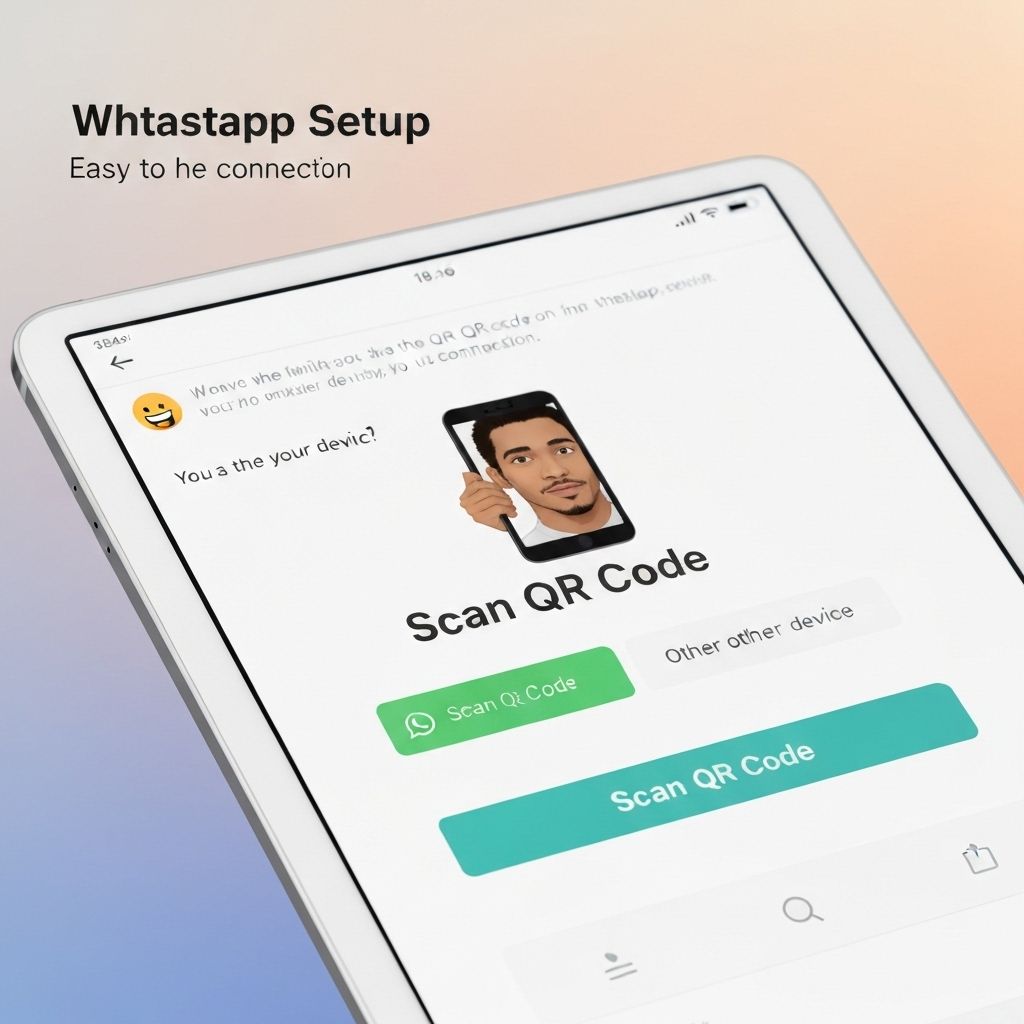
Download & Login
Download Zentiya Retail app from App Store or Google Play. Login with your credentials. App downloads your products, customers, and settings automatically.
Connect Hardware (Optional)
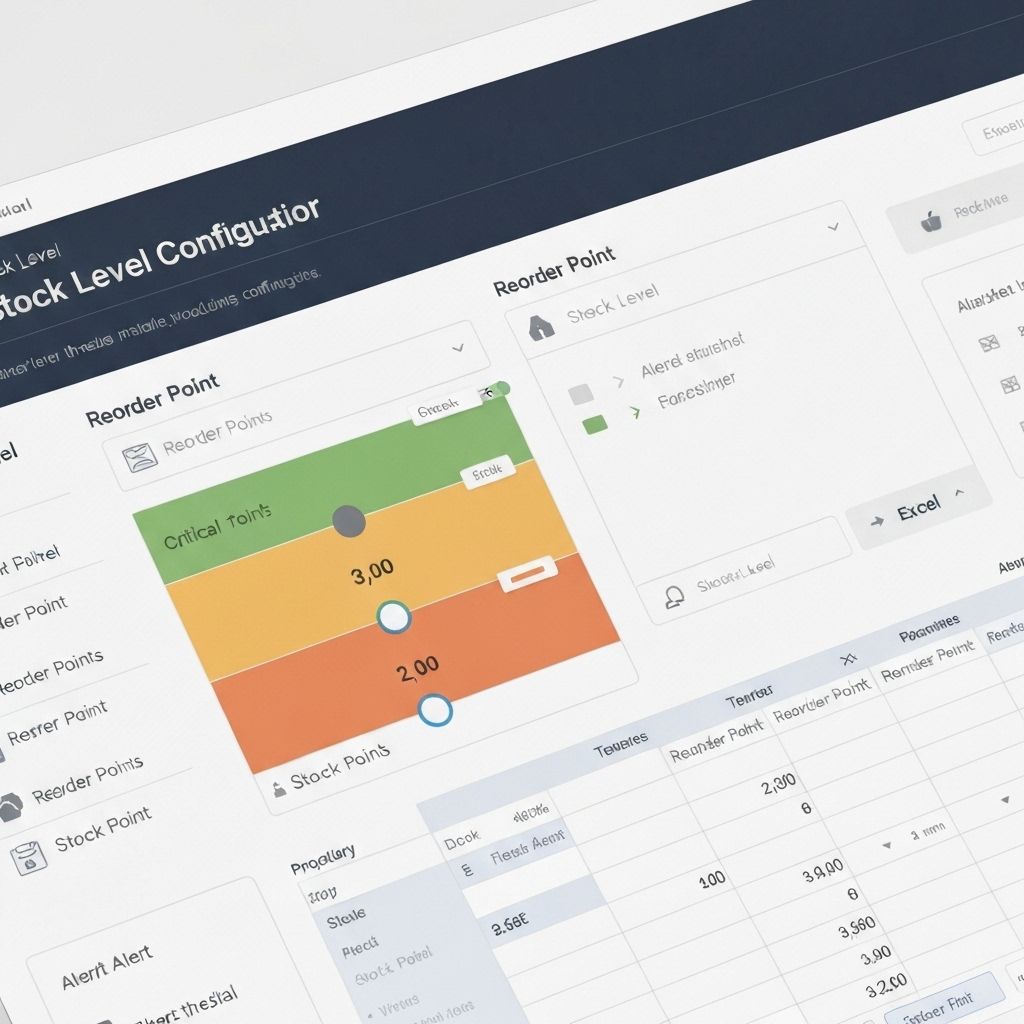
Pair Bluetooth receipt printer and card reader if you have them. Or use the app standalone—camera barcode scanning and manual payment entry work great.
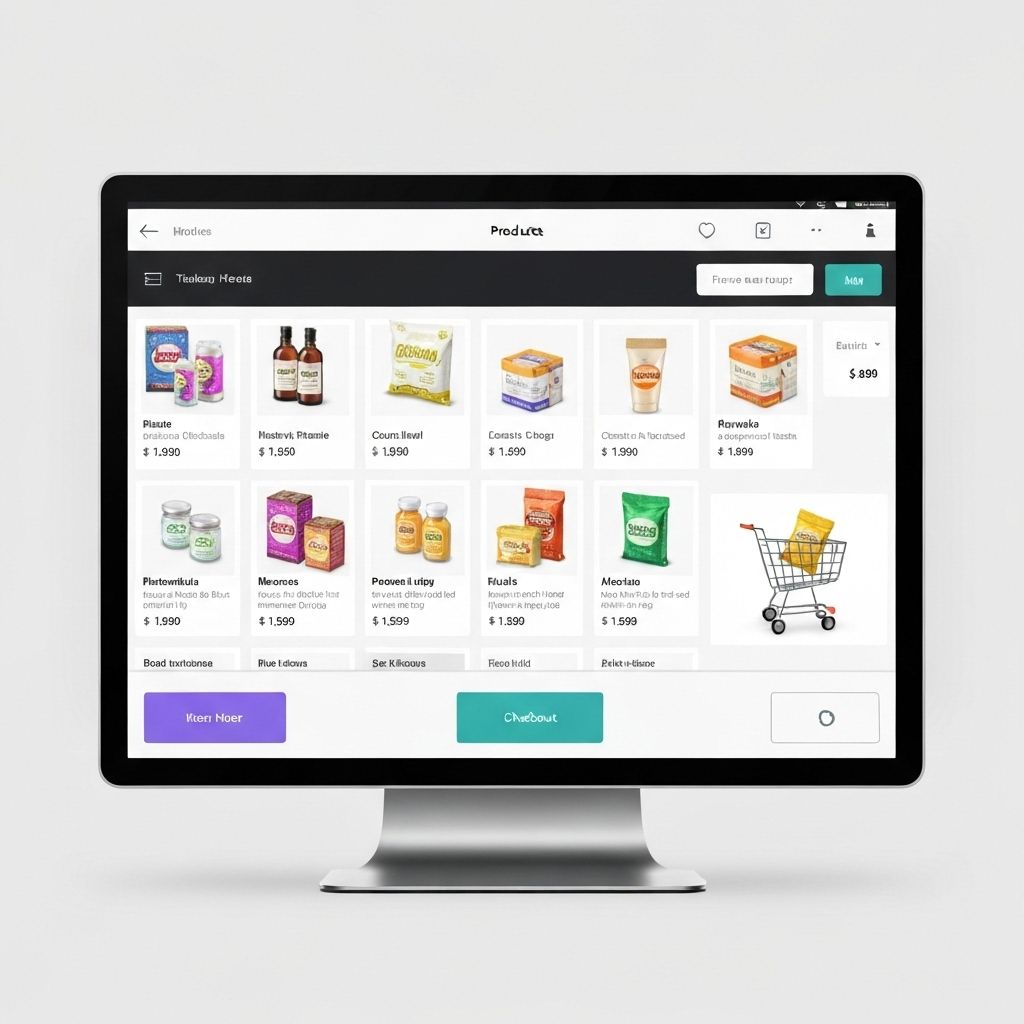
Start Selling
Scan products, add to cart, select payment method, and complete transaction. Receipts print or email automatically. Takes under 30 seconds.
Auto-Sync & Reports
All transactions sync to cloud in real-time (or when connection restores). View sales in dashboard, check inventory, and run reports.
Perfect For
Mobile retail for every scenario
Pop-Up Shops & Markets
Temporary retail locations, farmers markets, craft fairs, and holiday pop-ups. No fixed POS hardware needed—just grab your tablet and go.
Trade Shows & Events
Sell at trade shows, conventions, and exhibitions. Process orders on the spot, accept payments, and email receipts to attendees.
Line Busting
During peak hours, staff walk the queue with tablets to process transactions. Reduce wait times and improve customer experience.
Curbside & Pickup
Process curbside pickup orders at customer's car. Check in orders, accept payments, and complete transactions outside the store.
Sales Floor Assistance
Sales associates carry tablets to help customers anywhere in the store. Check inventory, process purchases, and provide personalized service.
Mobile Retail Trucks
Food trucks, mobile boutiques, and delivery vehicles. Offline mode ensures you can sell anywhere, even without cellular connection.
Works With Your Tools
Compatible with leading hardware and services
Star TSP
Epson
Square Reader
Stripe Terminal
iPad
Android Tablets
Cash Drawers
Cloud Platform
Common Questions
Ready to Go Mobile?
Start your 14-day free trial. No credit card required.
Join our early access program